Change or rekey · Toronto
Smart Lock Installation in Toronto
Your mother still lives on her own, and the personal support worker, the pharmacy delivery and two siblings all need to get in on different days.
In plain words
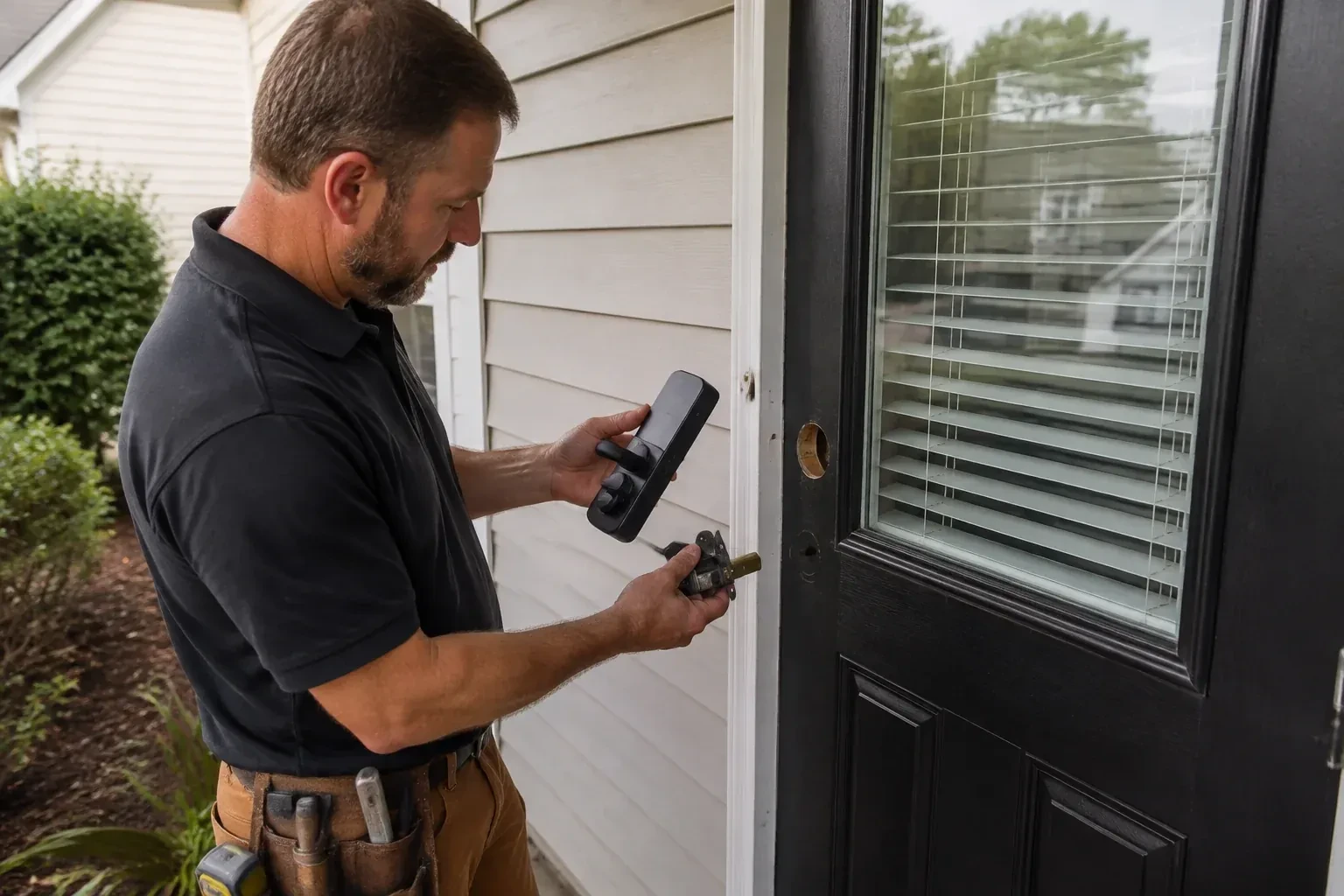
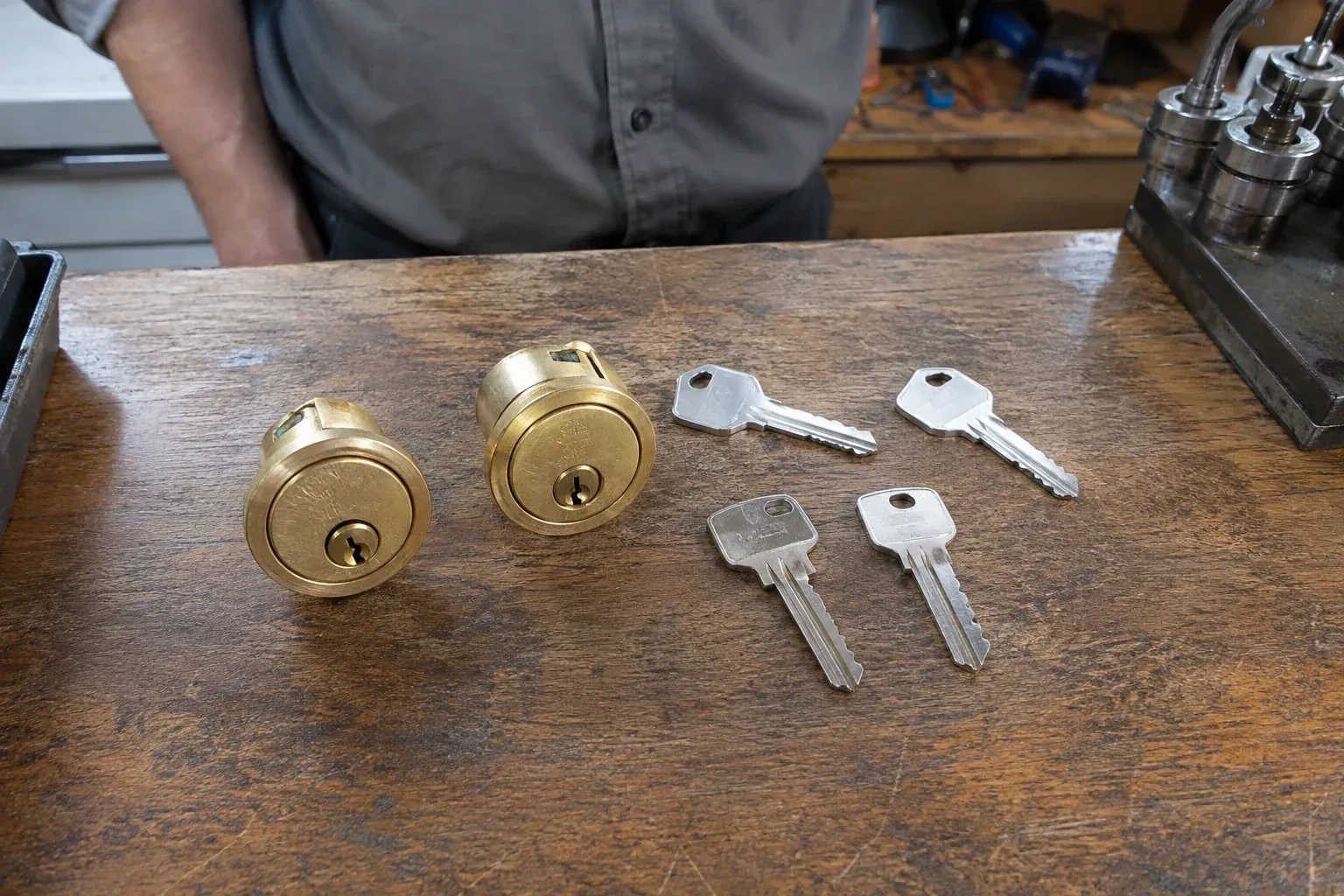
A smart lock fitted by a locksmith keeps a way in that works when the battery or network fails, a mechanical key on many models or an external battery contact on key-free ones. Most keypad deadbolts keep a conventional keyway, rekeyed during the visit so a fresh key operates it and the old one retires. Some models instead add small outside terminals where a nine-volt battery can wake a dead lock long enough to enter a code. The technician tests whichever route the model provides, shows the low-battery warning, and explains what the lock does if the internet goes quiet.
How the visit goesThe kids get home before you do and the spare key has been lost twice this school year. A keypad they can tap, plus a message to your phone when the door opens, would take a daily worry off the list.
Smart Lock Installation
How the visit goes
What the household wants the lock to do
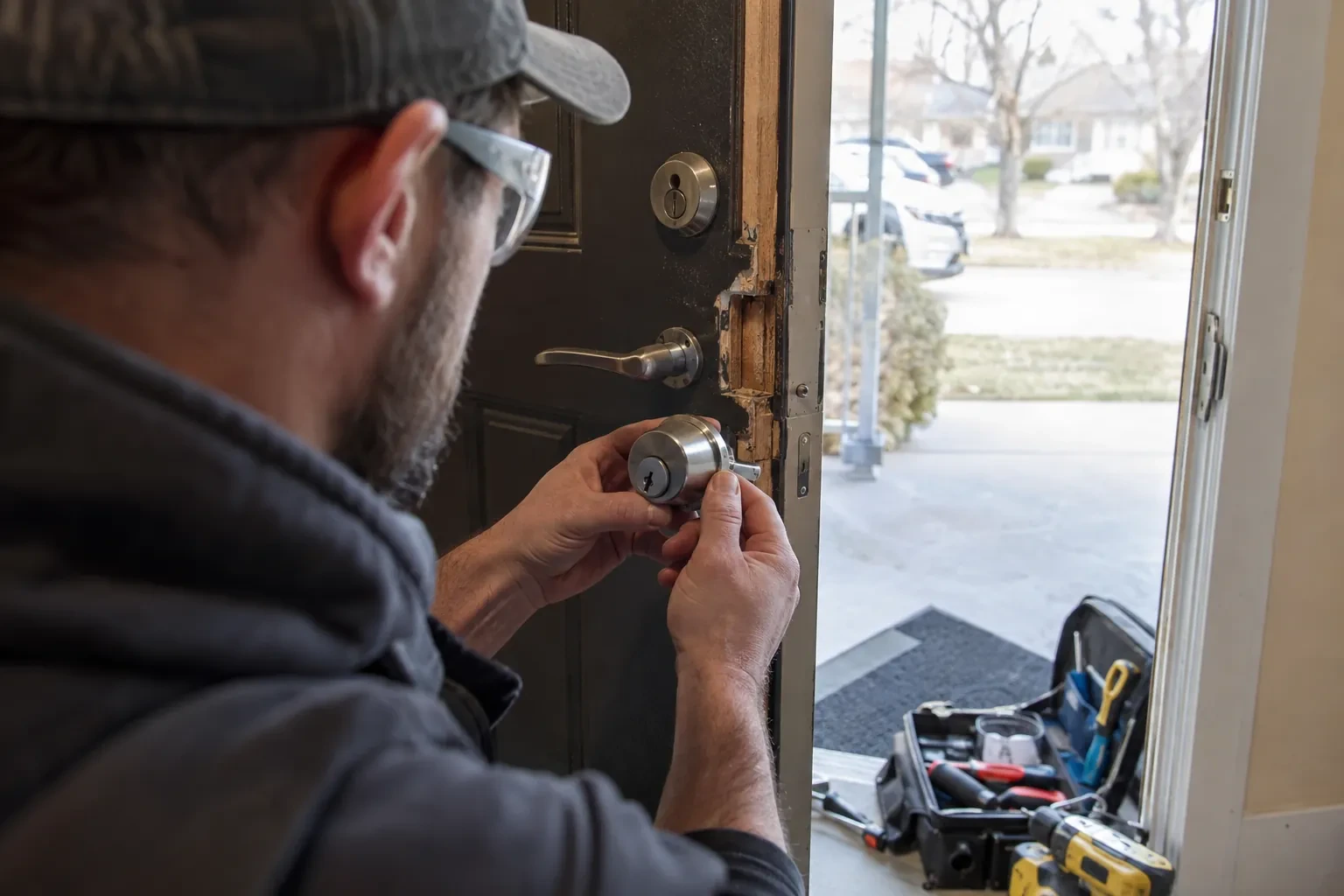
Before a model is chosen, the locksmith asks how the door will actually be used. Who needs to get in, and how often does that list change? Should the door lock itself after a set time, or stay as it is left? Is a message when it opens useful or annoying? Does anyone want to open it from a phone while away, which brings the network into play, or is a keypad at the door enough? Are there children, a caregiver, a cleaner or a dog walker who need their own codes? Those answers decide between a simple keypad deadbolt, a Bluetooth model, a Wi-Fi model or a lock that joins an existing home hub.
Setting it up under your name
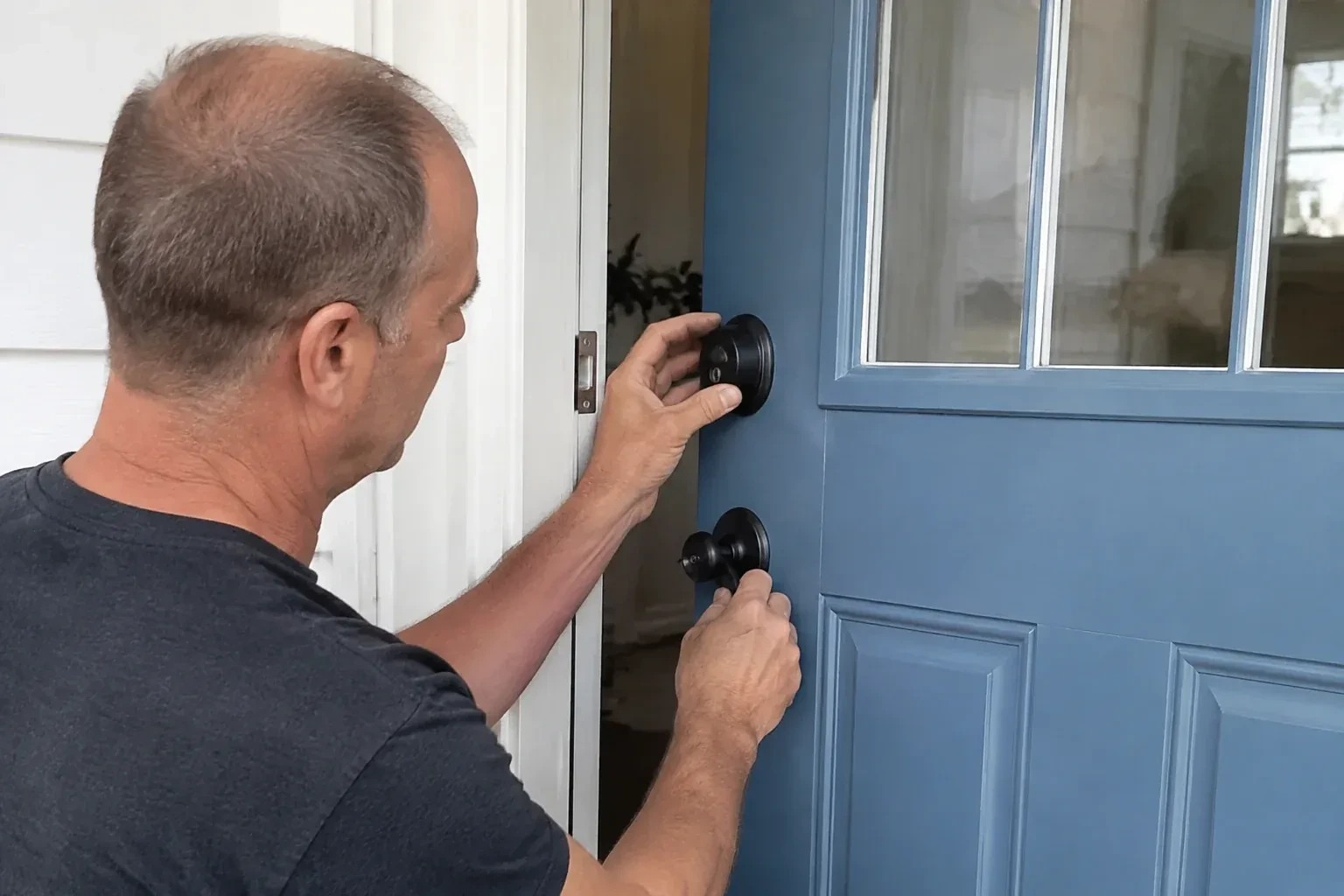
Programming happens on your phone, not the technician's. You download the maker's app, create the account with your own email, and the lock is enrolled to it while the locksmith guides each step. Default and factory codes are removed. A personal code is created for each household member, and where the model allows, scheduled or temporary codes for a cleaner, a contractor or a visiting relative. Auto-lock delay, keypad sounds, one-touch locking and notification preferences are set to match how the household answered earlier. If Wi-Fi or a hub is part of the plan, the lock is joined to it and any waiting firmware update is applied before testing. The technician leaves with no codes and no login.
Knowing what works when the internet is out
You leave with a clear picture of what the lock does on its own. On most models the keypad, the key and any fob keep working with no network at all, because they talk to the lock directly; what needs the internet is checking or changing the lock from far away and receiving alerts. Codes and schedules stored in the lock carry on through a router reboot or a power cut. The locksmith will have named which functions on your specific model depend on Wi-Fi or a hub, so a quiet evening with no connection is an inconvenience for the app and nothing more for the door.
Smart Lock Installation
In the van
Mechanical override cylinder and repinning kit
Reinforced box strike with long screws
Dry PTFE lubricant
Door-position sensor magnet
Wi-Fi bridge or home hub
Smart Lock Installation
What affects the quote
Network setup
Joining the lock to Wi-Fi, adding a bridge because the signal at the door is weak, or pairing with an existing hub is setup time and sometimes an extra device, and appears in the quote as such.
Retrofit versus full replacement
An interior-only unit that turns your existing deadbolt involves less door work than a complete new deadbolt with a keypad outside, and the two are quoted differently in both hardware and time.
Pairing a smart deadbolt with a smart lever on the same door
Some doors get a smart deadbolt only, while others pair it with a smart lever below so both turn from one app and share the same codes. Fitting and programming two devices on one door takes more work than one, confirmed once the door and hardware are seen.
What to have ready
- Do you want codes only, phone control, alerts, or all three?
- Do you already have a specific lock in mind or in hand?
- Roughly how thick is the door?
Smart Lock Installation: questions
QuestionsWhat is the difference between a keypad lock, a Bluetooth lock and a Wi-Fi lock?
A keypad lock is operated at the door by code and needs no phone at all. A Bluetooth lock adds phone control when you are within a few metres, which covers most daily use and keeps the lock off the internet. A Wi-Fi lock, either built in or through a small bridge, lets you check and change the lock from anywhere and sends alerts, at the cost of more battery use and a dependence on the home network. Many models combine two of these.
I rent. Can I have a smart lock installed?
Yes, with your landlord's agreement first. Tenancy rules in this province expect a tenant to have the landlord's consent before changing a lock, and expect the landlord to have a working way in, so the sensible route is a short conversation and a note of what will be fitted. A retrofit model that mounts inside and keeps the existing exterior lock and key is often the easiest thing for a landlord to say yes to, since the door is unchanged from outside.
Does the locksmith keep any of my codes or my account details?
No. The administrator account is created by you, on your phone, with your email, and the codes are entered by you or read out by you and typed while you watch. The service note records the model, the door work and the keys cut, never a code or a password. If a technician programmed a temporary code for testing, it is deleted in front of you before the visit ends.