Change or rekey · Toronto
Smart Lock Installation
Your mother still lives on her own, and the personal support worker, the pharmacy delivery and two siblings all need to get in on different days.
In plain words
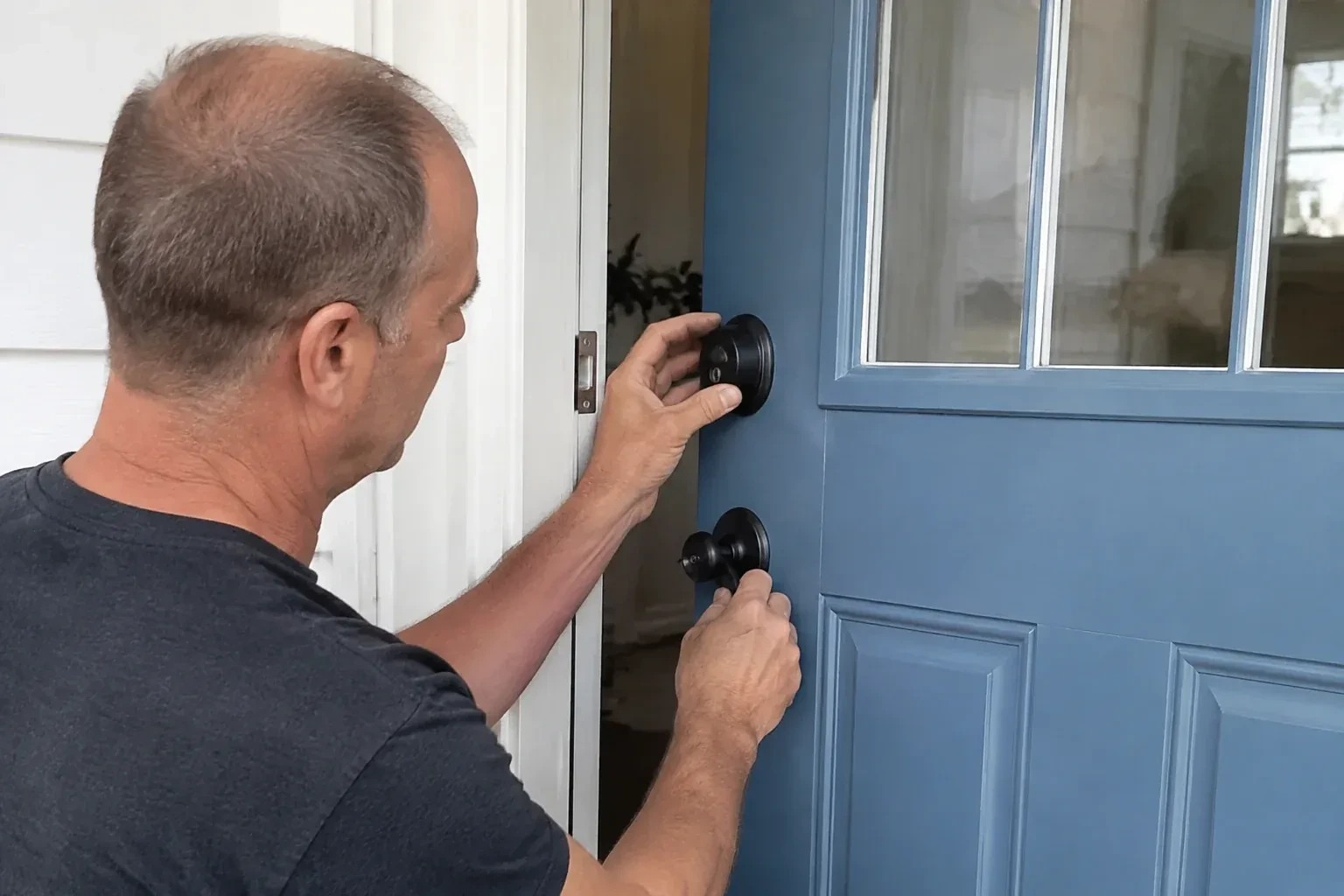
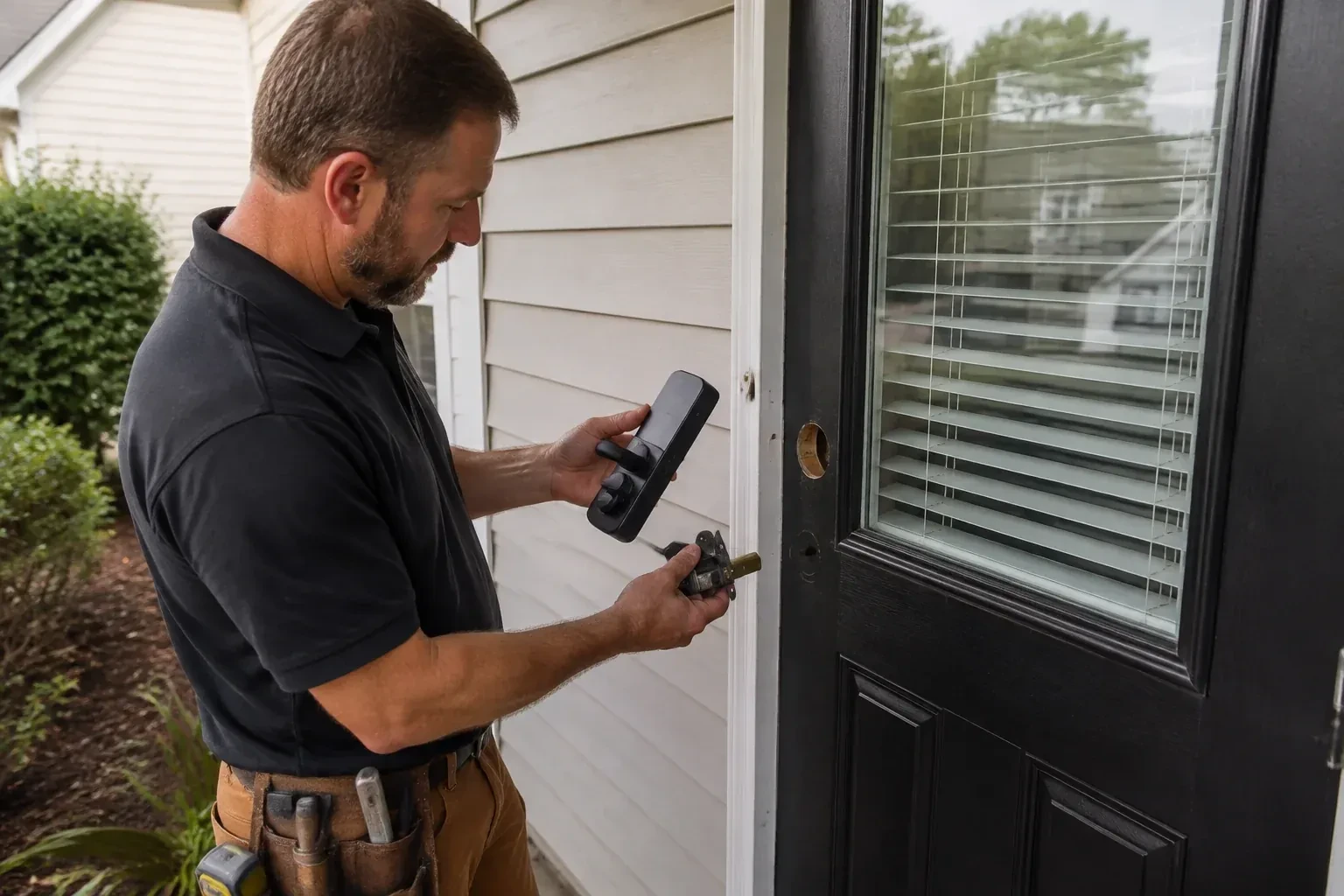
Smart lock installation puts an electronic deadbolt or lever on your door that opens with a code, a phone, a fob or a fingerprint, and, on some models, a conventional key too. The locksmith confirms you control the property, measures the door and its holes, and makes sure the bolt travels freely, because a battery motor has less strength than a hand. The hardware is fitted with a solid strike, the maker's specified batteries go in, and the lock is set up under your own account. You leave with codes working and, on a keyed model, the override key tested and the old key retired.
How the visit goesHalf the evenings someone asks whether the back door got locked, and nobody is sure. A lock that relocks on its own, shows its state in an app and reports when it was last opened would settle the question.
Smart Lock Installation
How the visit goes
Who controls the door
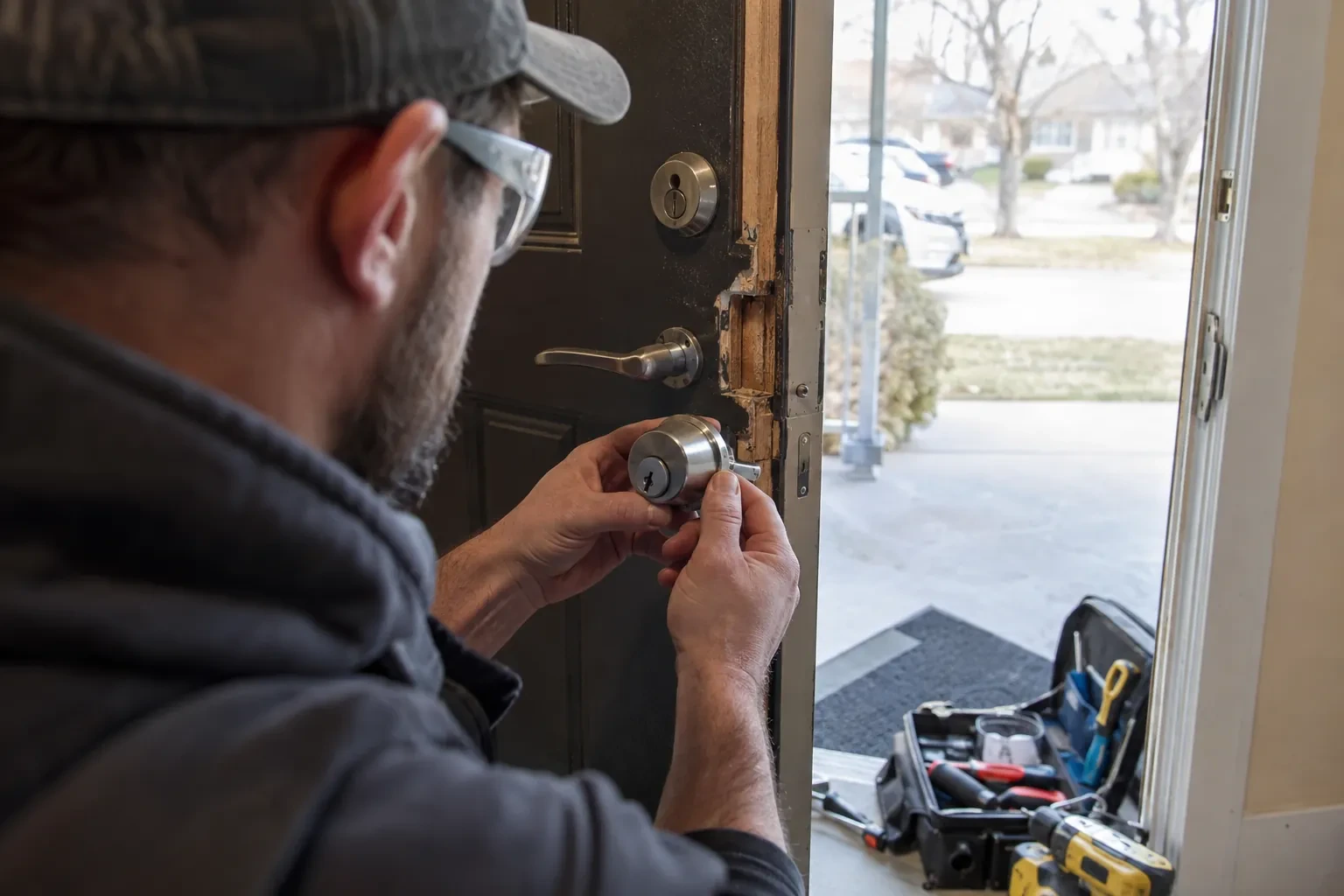
A smart lock hands out access, so the visit begins by confirming who is entitled to grant it. For an owner that is photo identification and a link to the address; for a tenant it also means the landlord has agreed to the change, since in a rental both parties need a working way in. Where a property manager or a family member is arranging the work on someone else's behalf, the locksmith asks for that person's go-ahead as well. When a used smart lock is being taken over, the check extends to the account behind it, which must be released by whoever set it up. Ten minutes of paperwork here keeps everyone's access legitimate.
Setting it up under your name
Programming happens on your phone, not the technician's. You download the maker's app, create the account with your own email, and the lock is enrolled to it while the locksmith guides each step. Default and factory codes are removed. A personal code is created for each household member, and where the model allows, scheduled or temporary codes for a cleaner, a contractor or a visiting relative. Auto-lock delay, keypad sounds, one-touch locking and notification preferences are set to match how the household answered earlier. If Wi-Fi or a hub is part of the plan, the lock is joined to it and any waiting firmware update is applied before testing. The technician leaves with no codes and no login.
The override key has a home
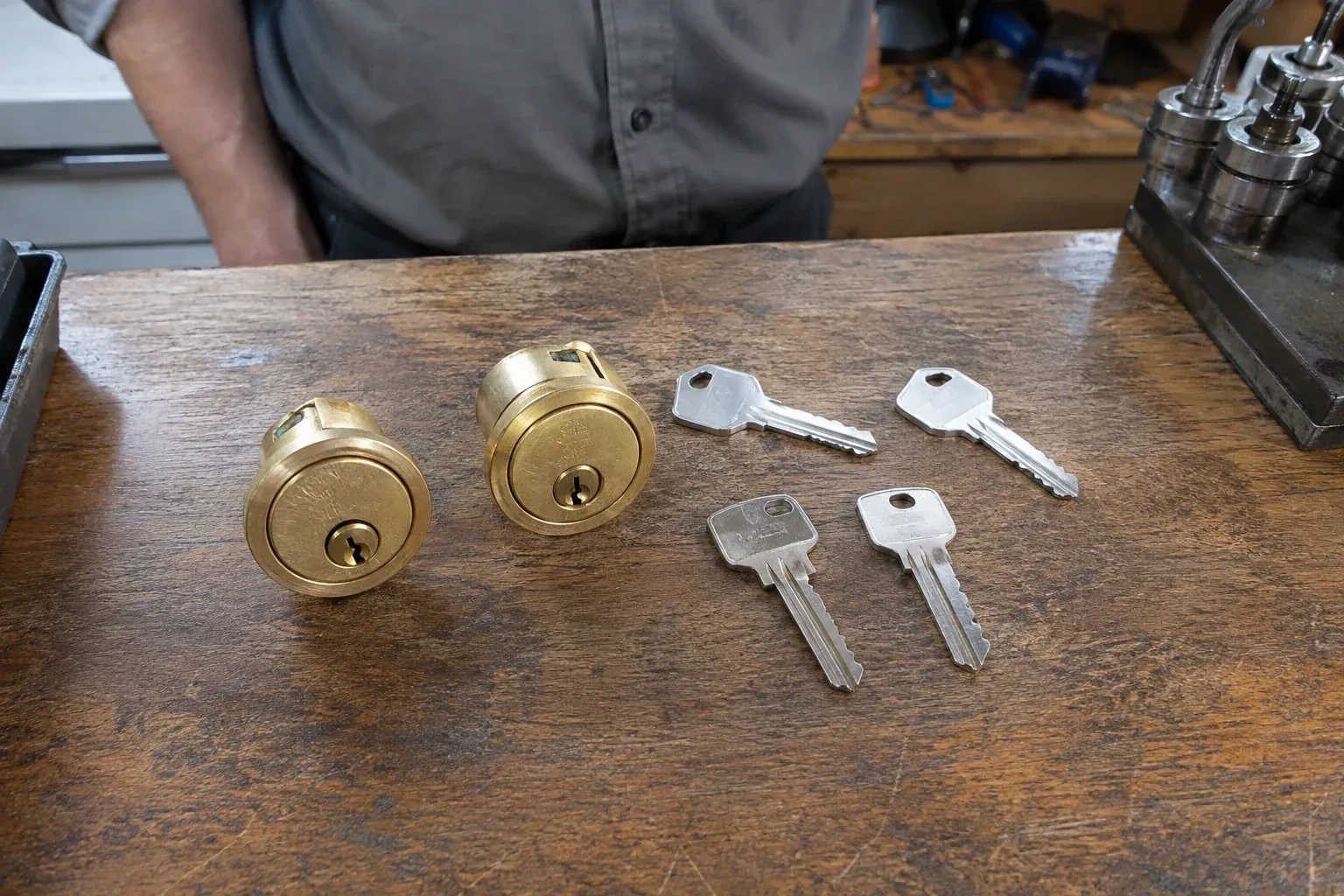
With codes doing the daily work, the mechanical key is easy to forget, and forgetting where it lives is how a dead battery turns into a lockout. On a keyed model, the locksmith hands you the new keys for the rekeyed override cylinder before leaving, and talks through where they should stay: one on a keyring that leaves the house, one with a trusted neighbour or in a combination lockbox fixed somewhere discreet. Try that key in the lock every few months so the cylinder stays free and you know it still turns. If other doors were rekeyed to match, the same key now runs the whole house, and the previous keys can go in the recycling.
Smart Lock Installation
In the van
Mechanical override cylinder and repinning kit
Reinforced box strike with long screws
Dry PTFE lubricant
Door-position sensor magnet
Wi-Fi bridge or home hub
Smart Lock Installation
What affects the quote
Storm door and weather adjustments
Where the entrance calls for a vented storm door panel, a keypad shield or a model rated for heat and cold exposure, those items are named separately so you can choose them or not.
Network setup
Joining the lock to Wi-Fi, adding a bridge because the signal at the door is weak, or pairing with an existing hub is setup time and sometimes an extra device, and appears in the quote as such.
Pairing a smart deadbolt with a smart lever on the same door
Some doors get a smart deadbolt only, while others pair it with a smart lever below so both turn from one app and share the same codes. Fitting and programming two devices on one door takes more work than one, confirmed once the door and hardware are seen.
What to have ready
- Which other doors should share the same key or the same system?
- Roughly how thick is the door?
- How strong is the Wi-Fi signal when you stand at that door?
Smart Lock Installation: questions
QuestionsWhat is the difference between a keypad lock, a Bluetooth lock and a Wi-Fi lock?
A keypad lock is operated at the door by code and needs no phone at all. A Bluetooth lock adds phone control when you are within a few metres, which covers most daily use and keeps the lock off the internet. A Wi-Fi lock, either built in or through a small bridge, lets you check and change the lock from anywhere and sends alerts, at the cost of more battery use and a dependence on the home network. Many models combine two of these.
I rent. Can I have a smart lock installed?
Yes, with your landlord's agreement first. Tenancy rules in this province expect a tenant to have the landlord's consent before changing a lock, and expect the landlord to have a working way in, so the sensible route is a short conversation and a note of what will be fitted. A retrofit model that mounts inside and keeps the existing exterior lock and key is often the easiest thing for a landlord to say yes to, since the door is unchanged from outside.
Does the locksmith keep any of my codes or my account details?
No. The administrator account is created by you, on your phone, with your email, and the codes are entered by you or read out by you and typed while you watch. The service note records the model, the door work and the keys cut, never a code or a password. If a technician programmed a temporary code for testing, it is deleted in front of you before the visit ends.